The steps for registering a corporate account are:
1 Read the steps and requirements from this page.
2 Complete the form available here: new corporate account registration.
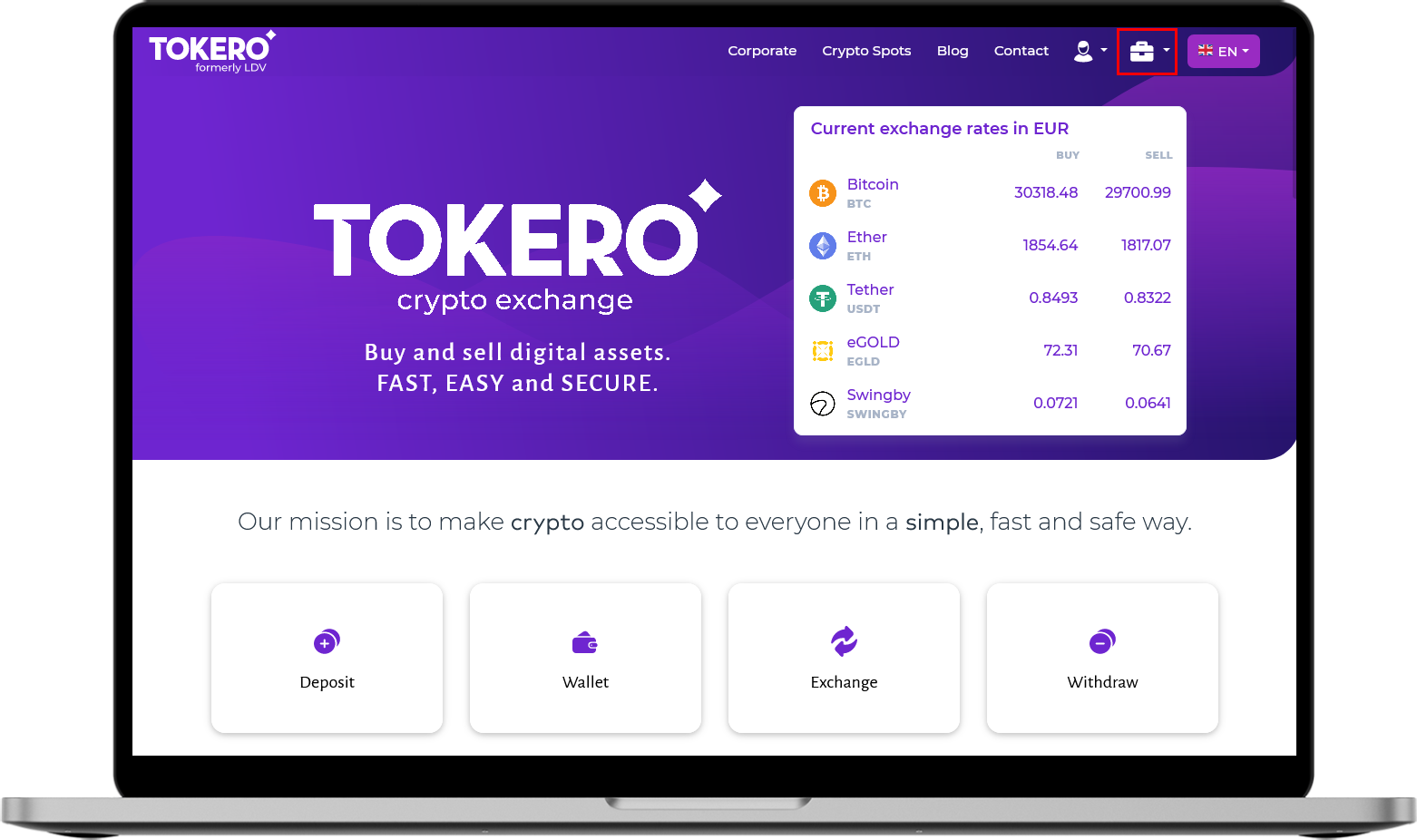
3 After validation of the documents by the Tokero team, a new button will appear in the main menu on the platform in the form of a briefcase, at the top right:
A Tokero Desktop Platform:
B Tokero Mobile:

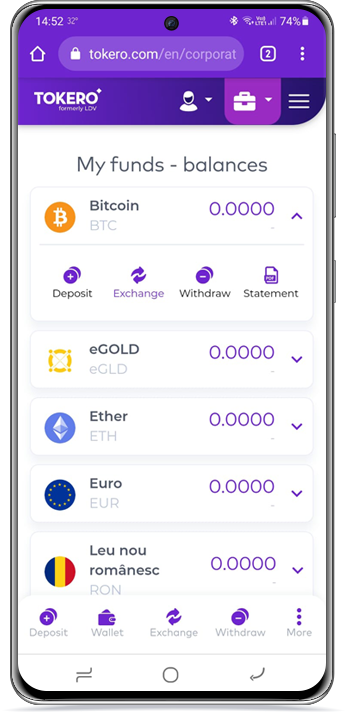
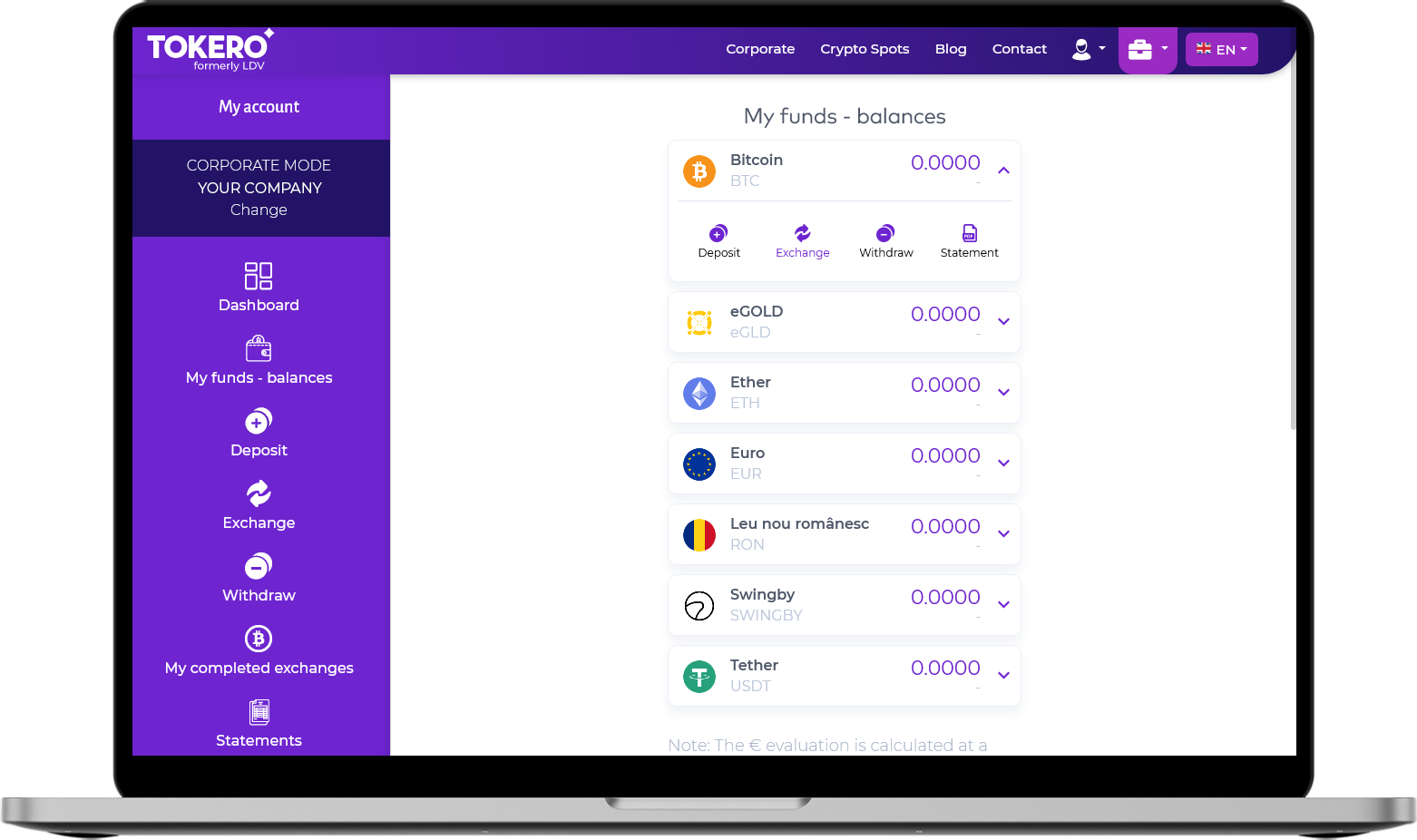
4 Here you will find all the options of the corporate account, including the trade/deposit/withdrawal options:
A Tokero Desktop Platform:
B Tokero Mobile: