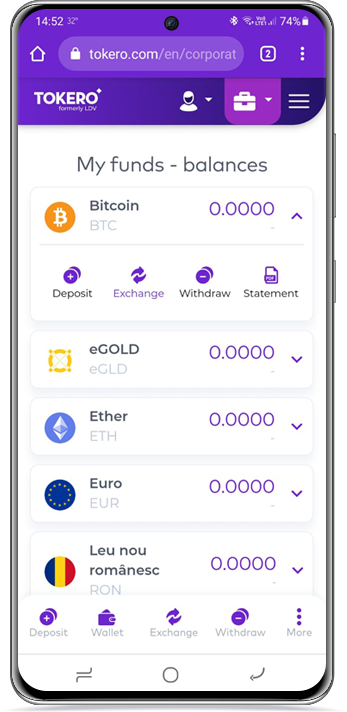
Please follow these steps to access your corporate account:
1 Log in with your individual user account.
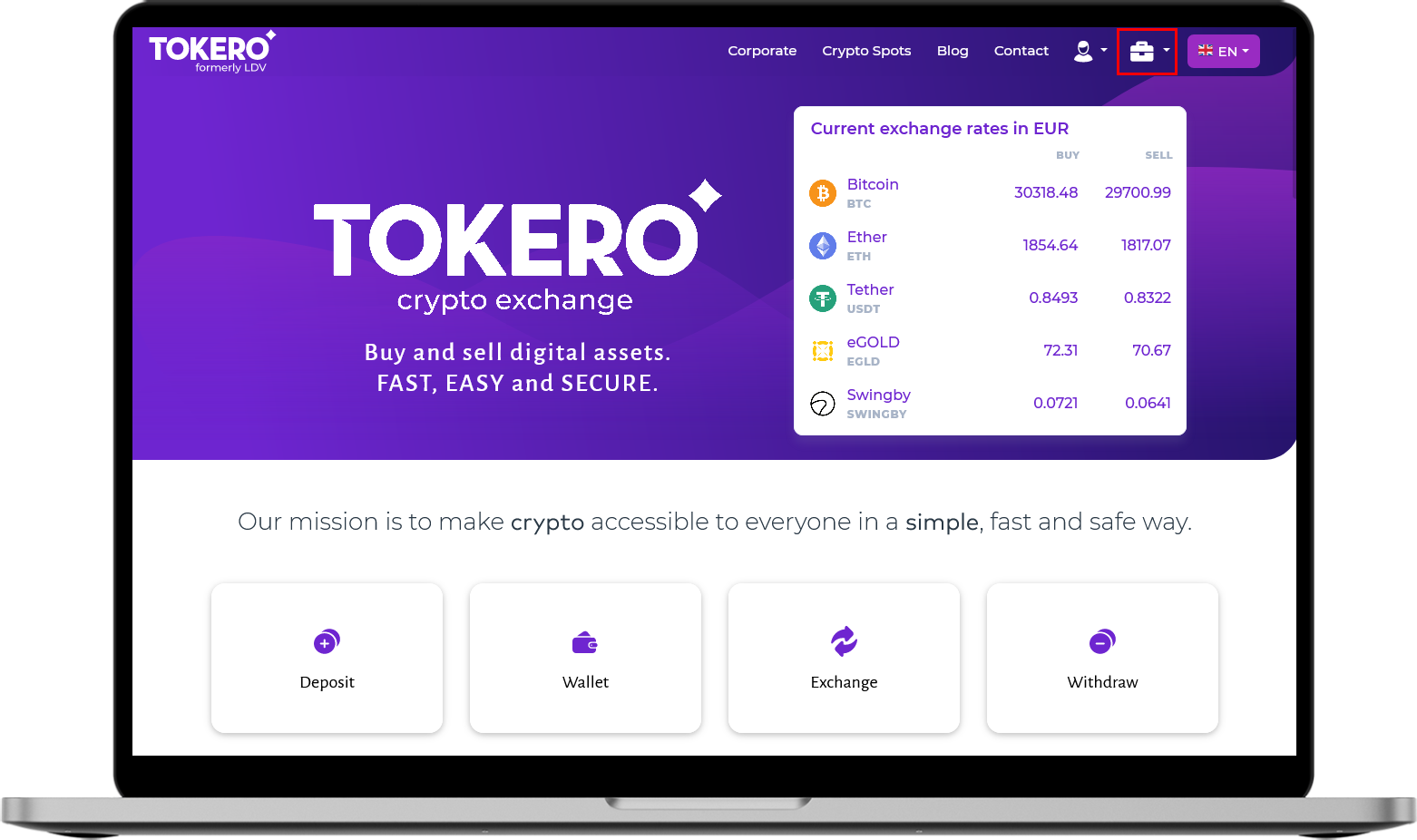
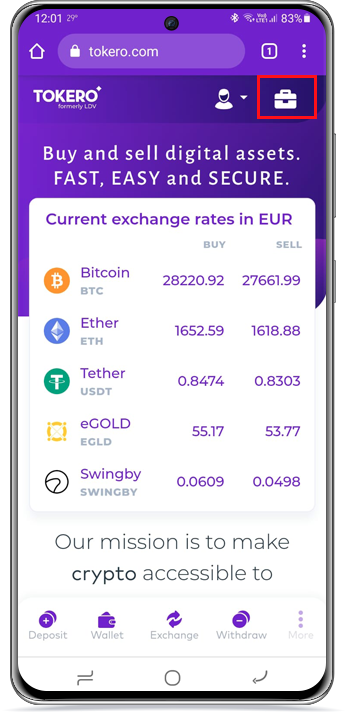
2 Use the corporate icon as shown below (click on the button in the form of a briefcase in the upper right):
A Tokero Desktop Platform:
B Tokero Mobile:
(Optional, if you have more than 1 corporate account)
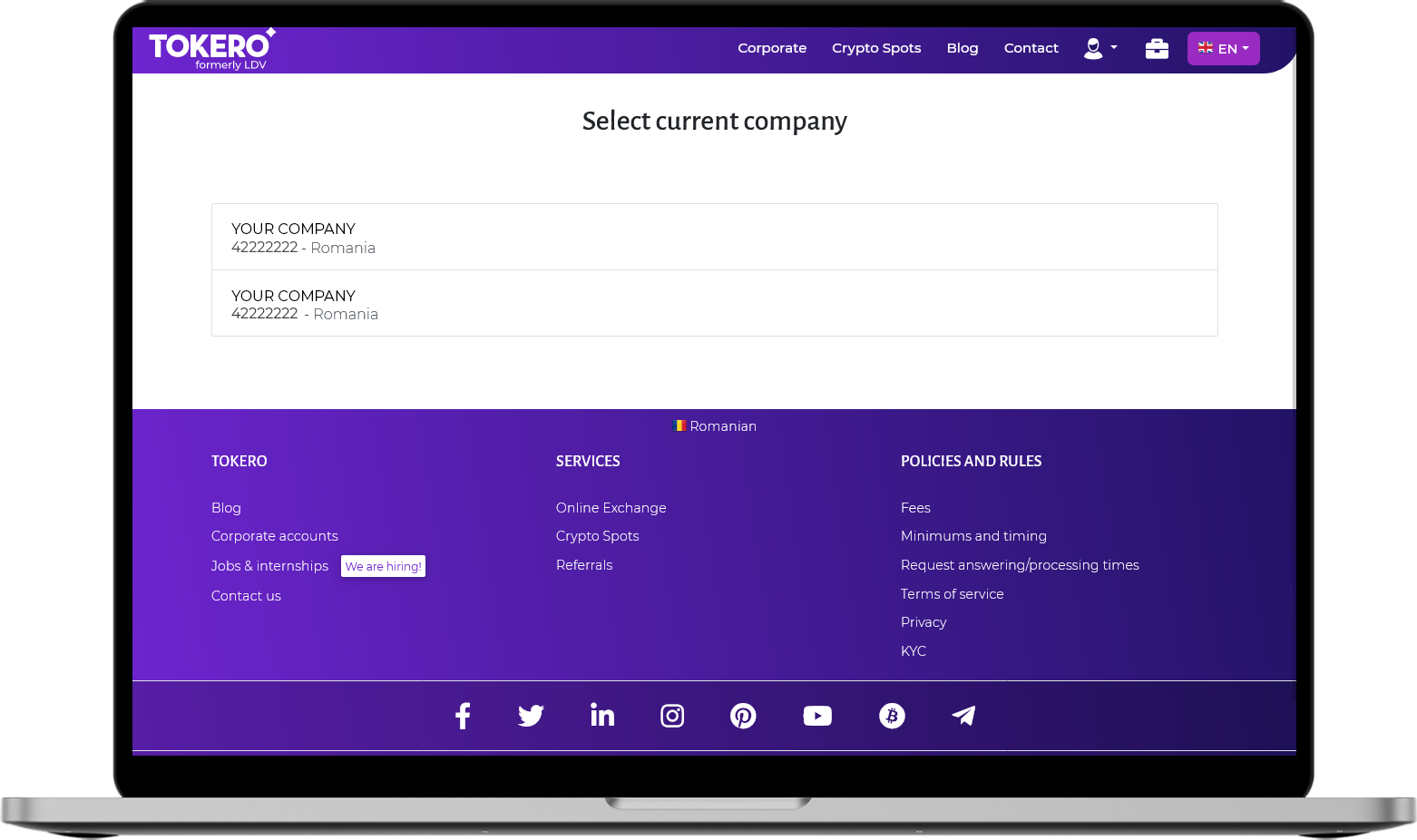
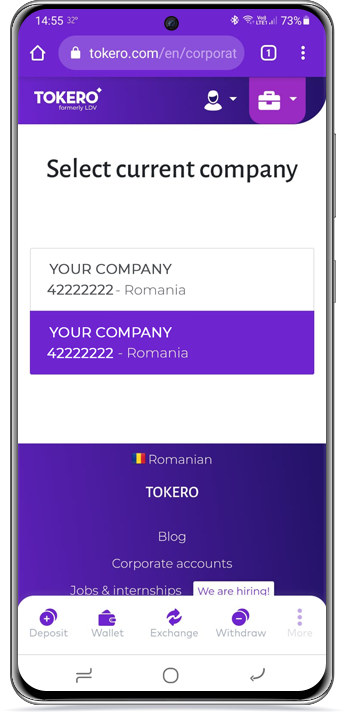
3 Select current company as shown below:
A Tokero Desktop Platform:
B Tokero Mobile:
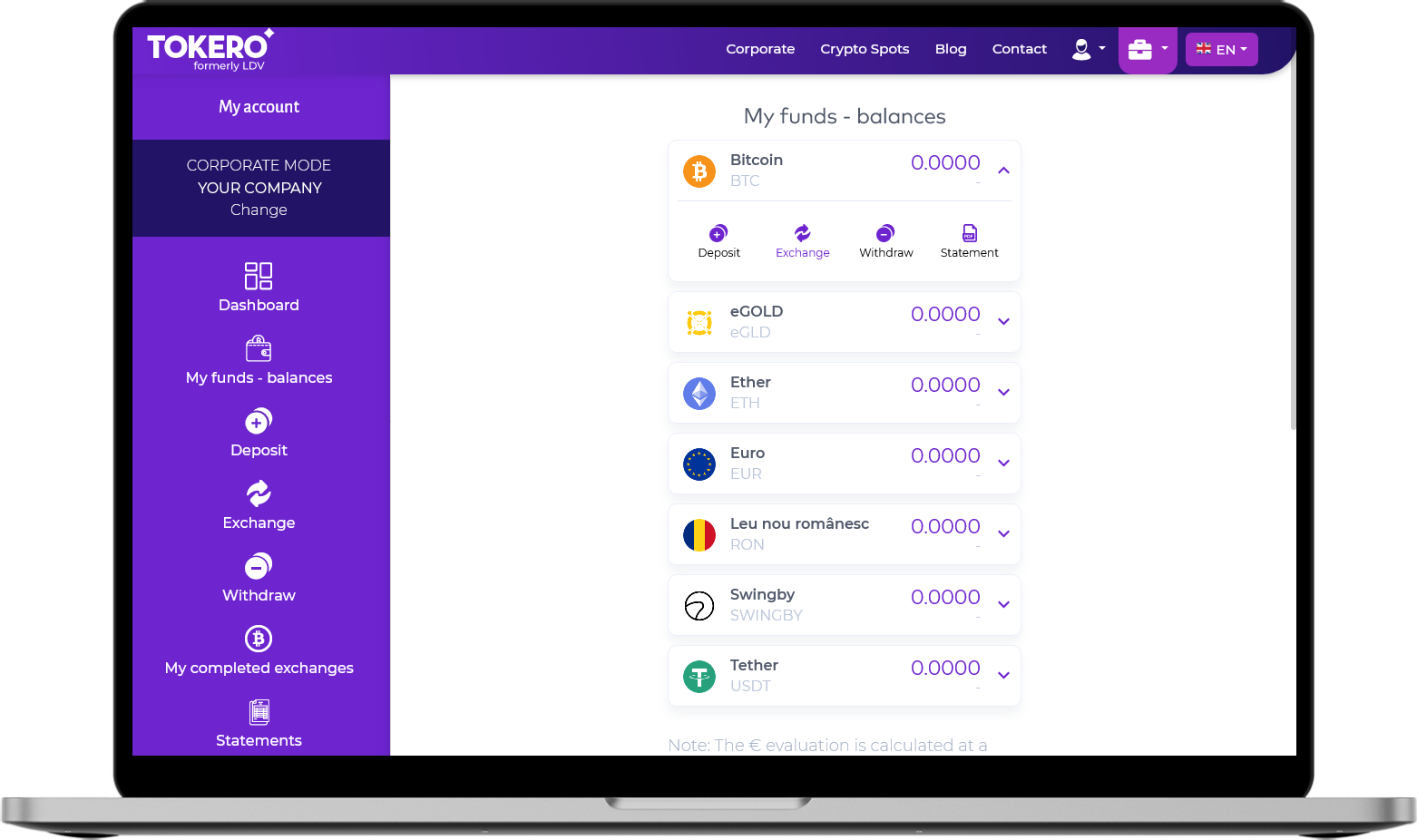
4 You are now ready to trade, deposit or withdraw:
A Tokero Desktop Platform:
B Tokero Mobile: